32 Free ATS-Friendly Resume Templates

Professional templates designed for every industry and career level. Pick one and start building your resume in seconds — no signup required.
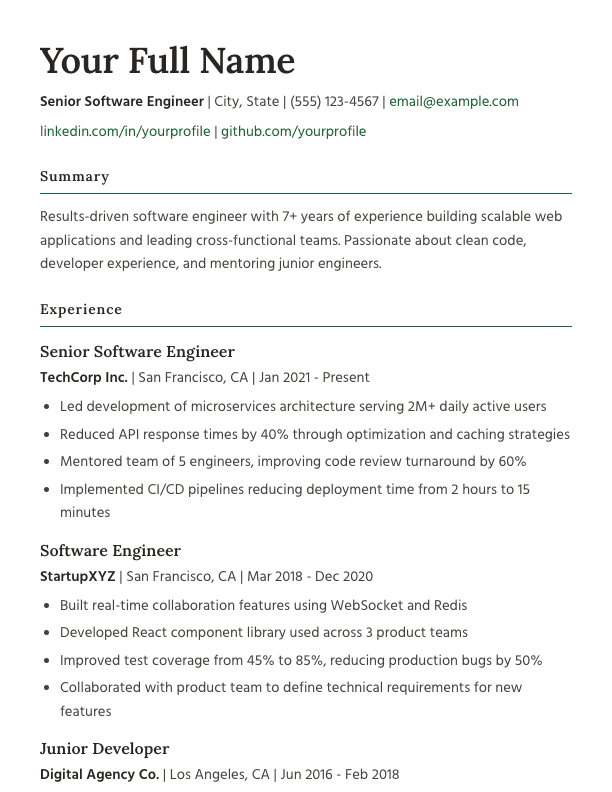
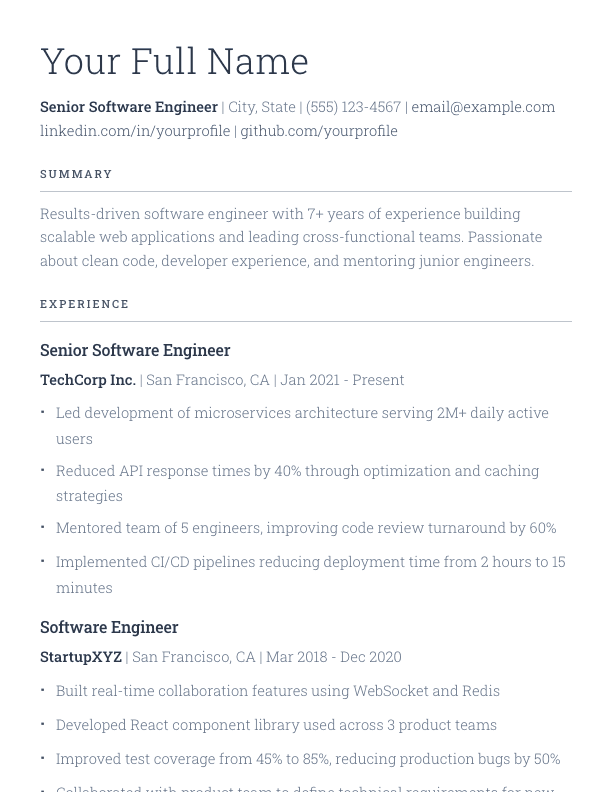
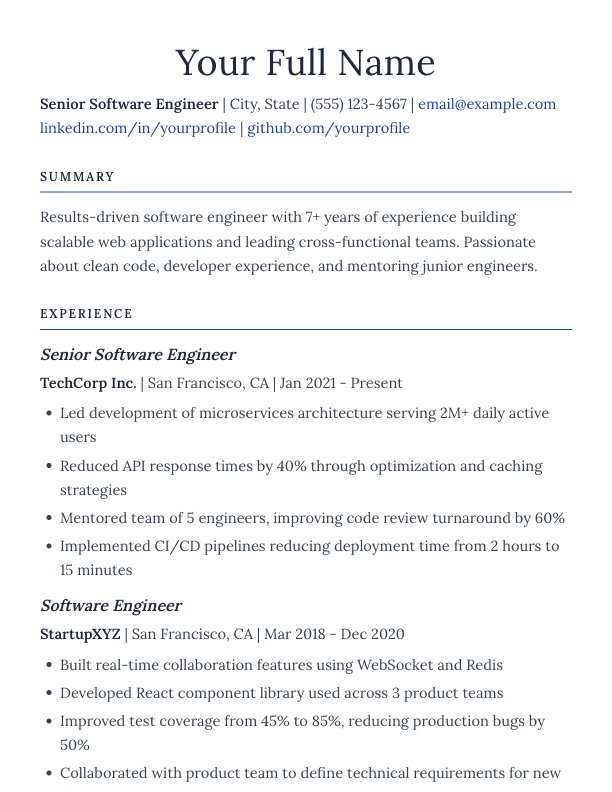
Altair resume template

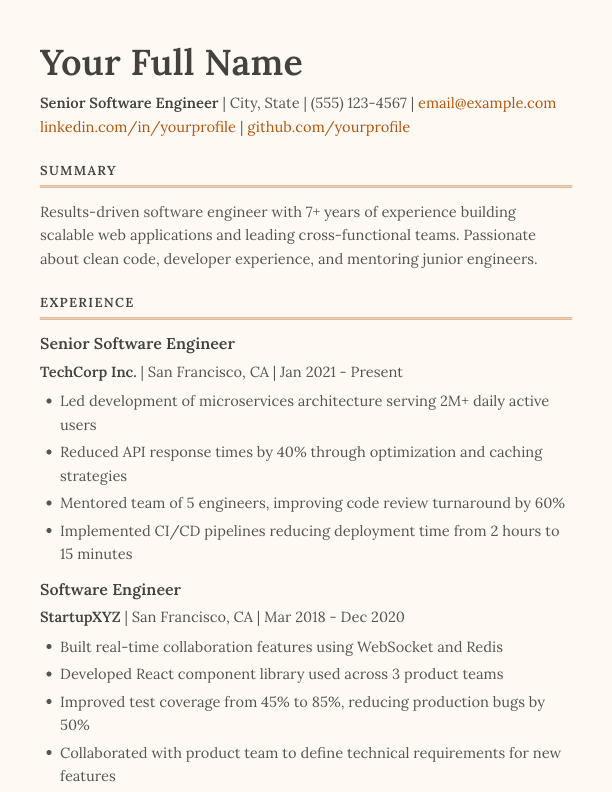
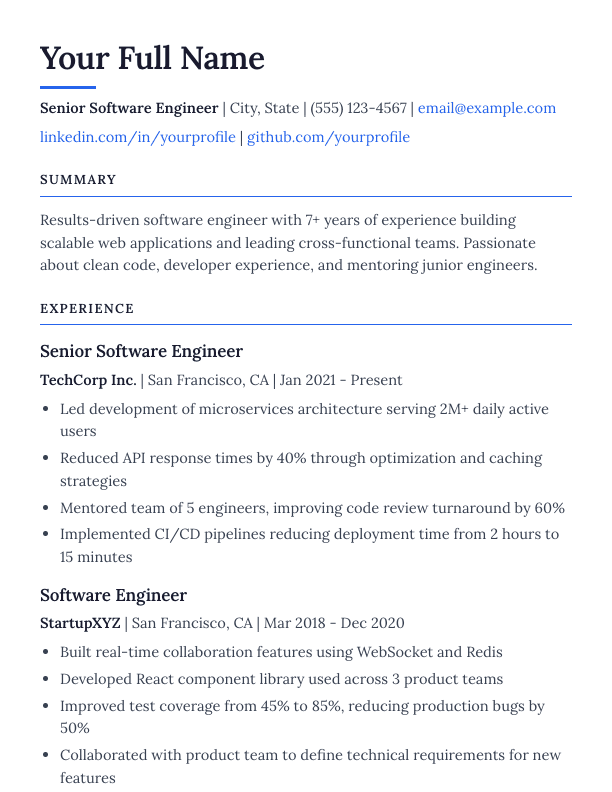
Altair

Timeless serif typography with an accent underline beneath your name and bordered section headers
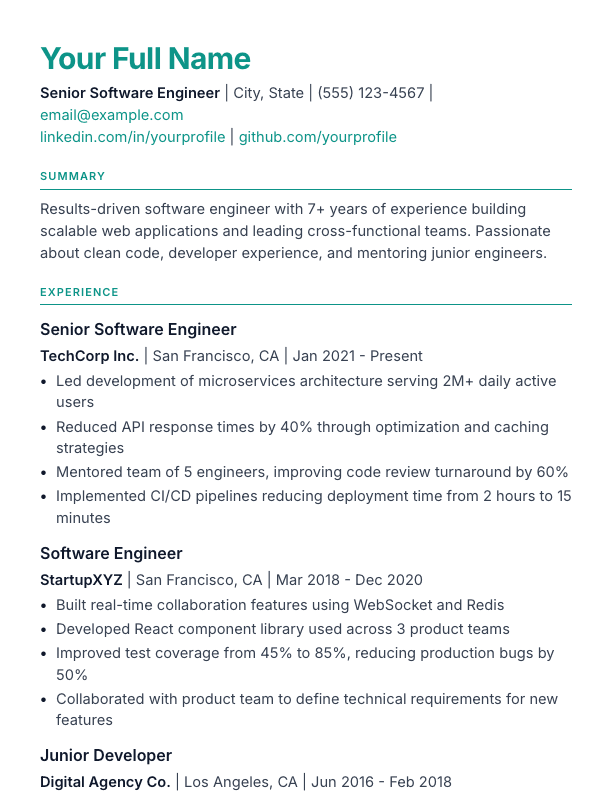
Rigel resume template

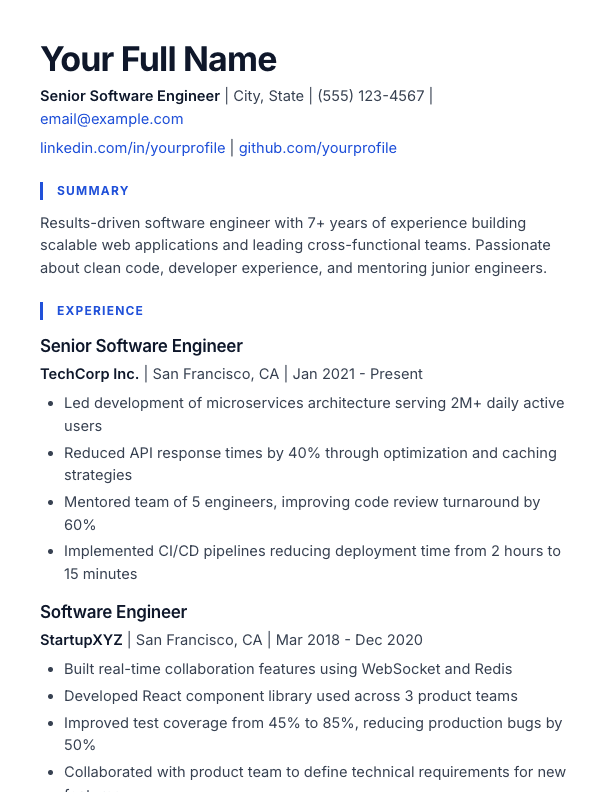
Rigel

Contemporary sans-serif with blue left-border section headings and a bold, oversized name
Vesper resume template

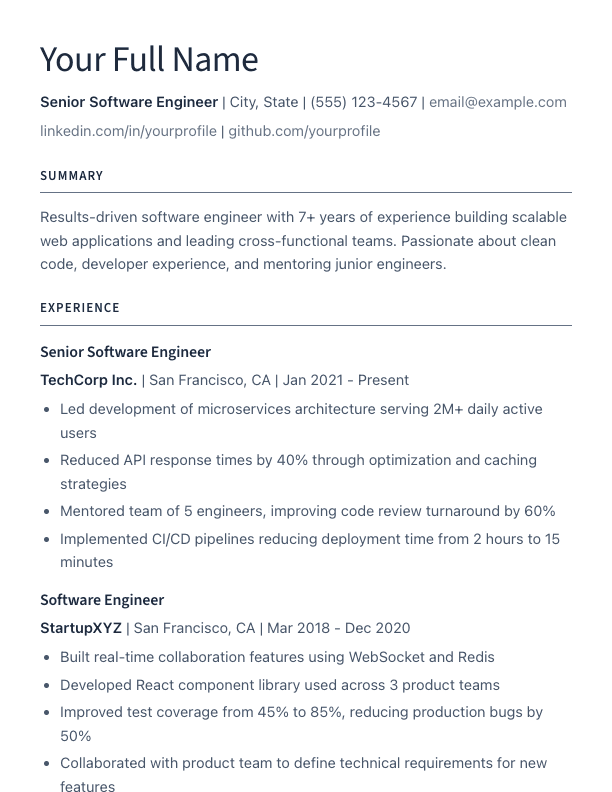
Vesper

Ultra-clean layout with light typography and perfect spacing

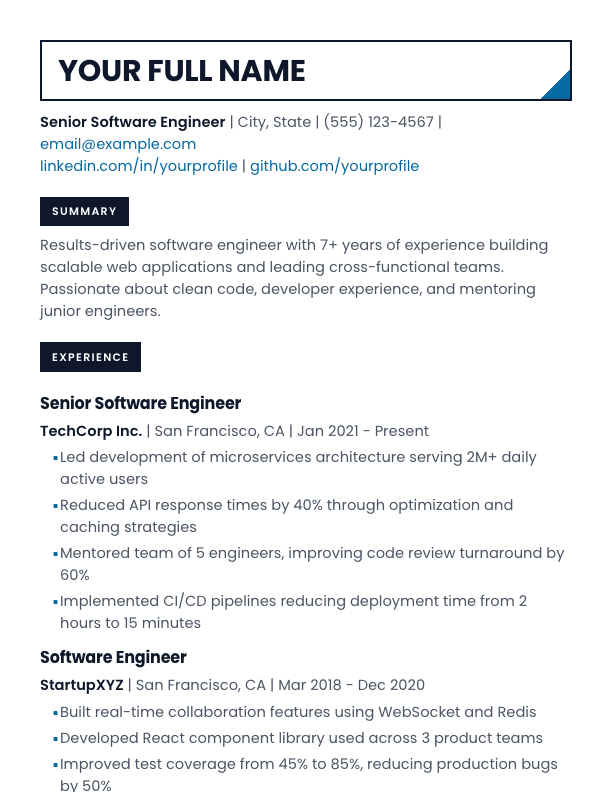
Quasar resume template

Quasar

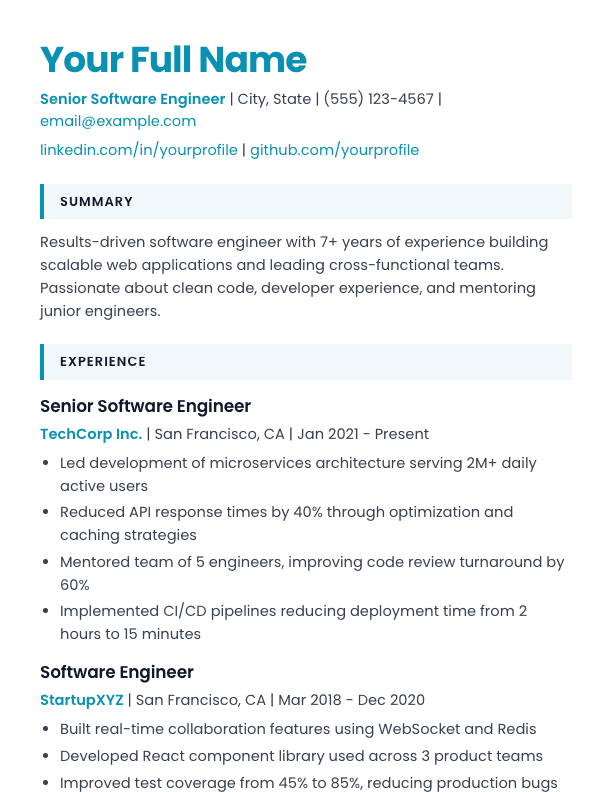
Geometric sans with a cyan name, accent-tinted section blocks, and cyan bold text

Pulsar resume template

Pulsar

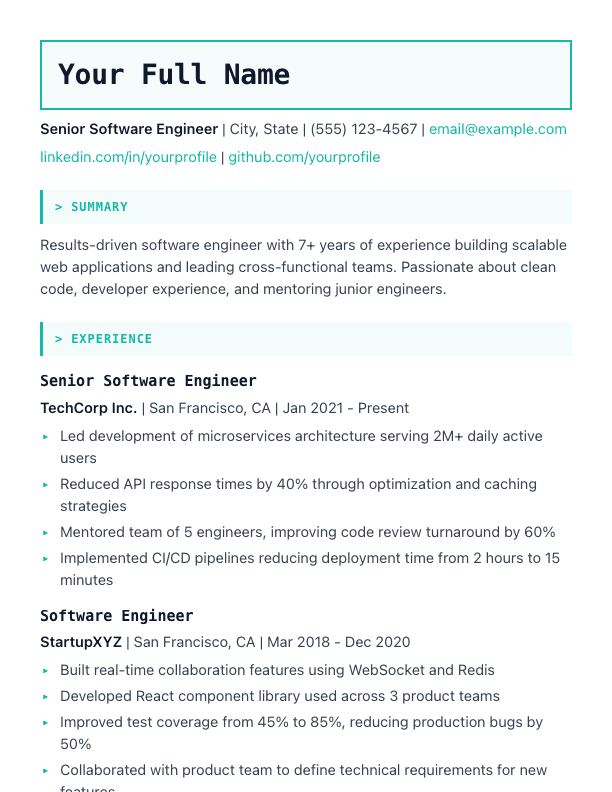
Terminal-inspired with monospace fonts and code-style aesthetics

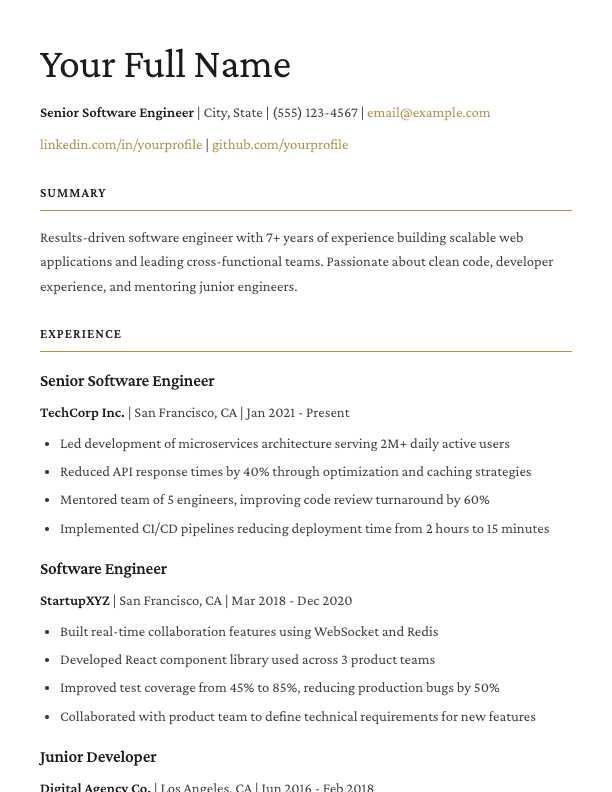
Orion resume template

Orion

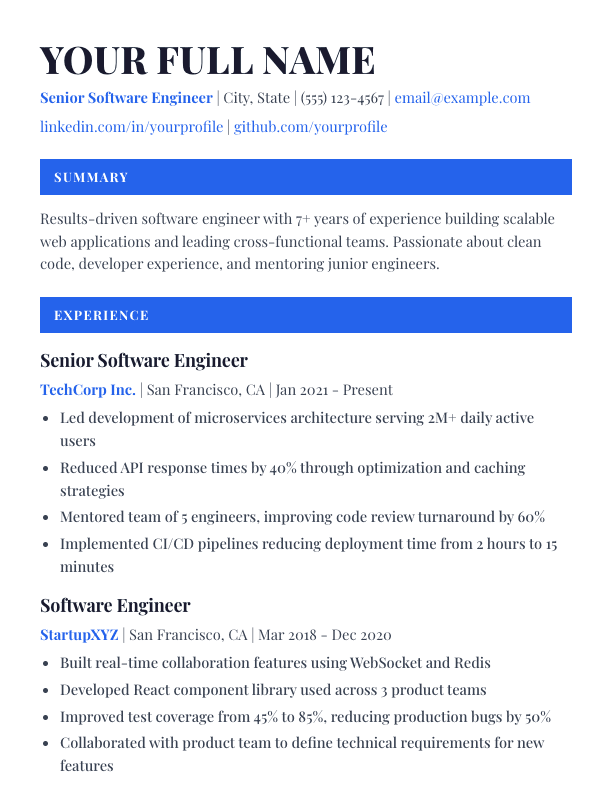
High-contrast Playfair Display serif with section headings set in solid accent bars
Regulus resume template

Regulus

Magazine-inspired with generous whitespace and sophisticated typography

Vega resume template

Vega

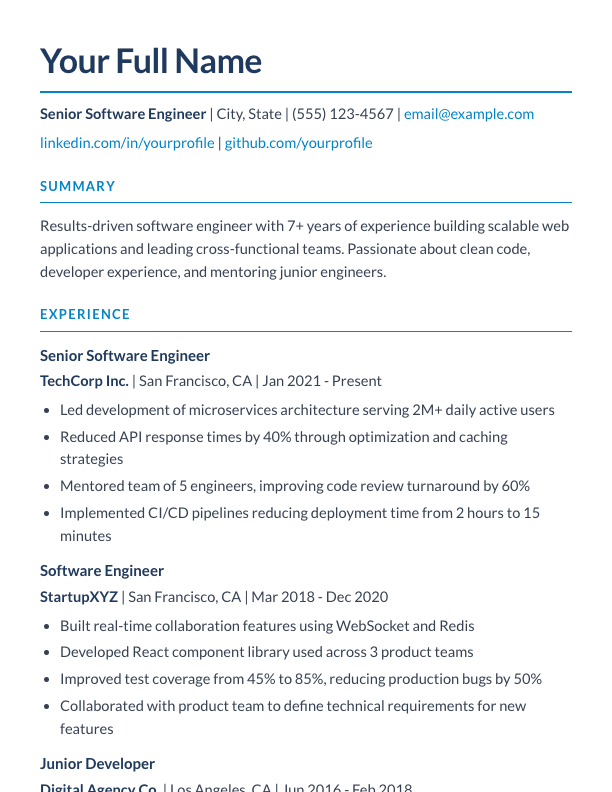
Corporate Lato sans with navy headings underlined in blue accent

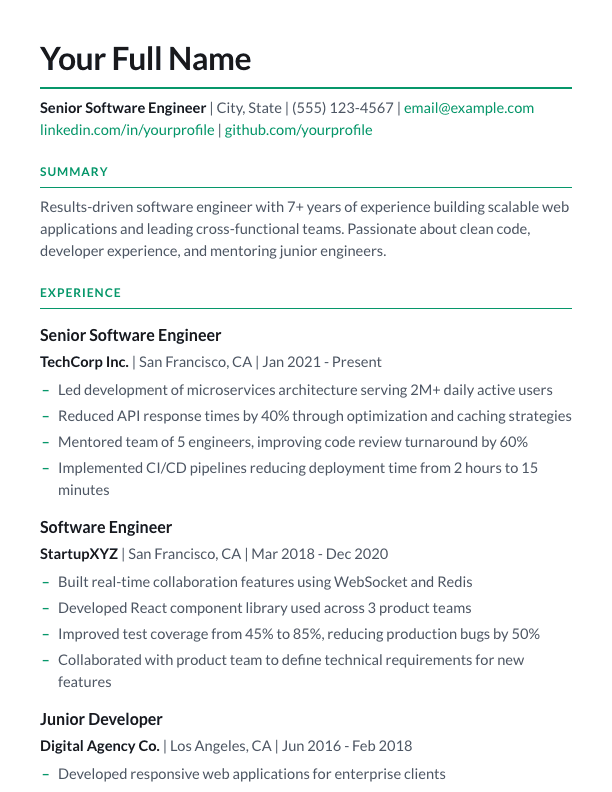
Cygnus resume template

Cygnus

Lora serif headings over a clean sans body, with green-accented section rules

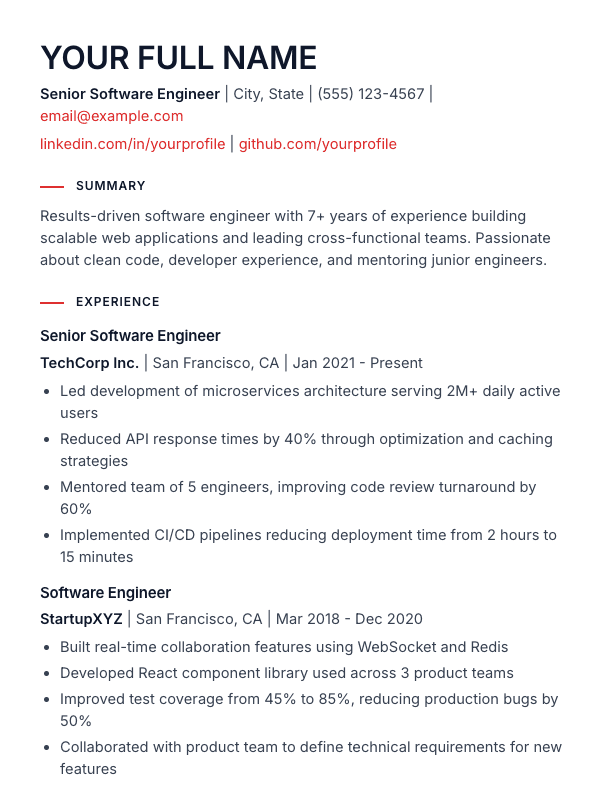
Azimuth resume template

Azimuth

Grid-based Swiss minimalism in Inter sans, with red rule markers before each section heading
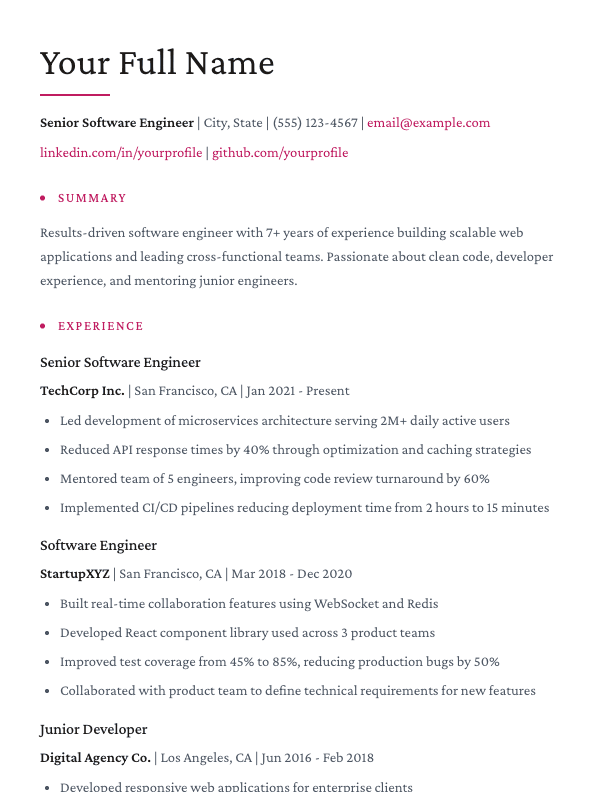
Lyra resume template

Lyra

Refined serif design with rose accents, a name underline, and dot-marked section headings
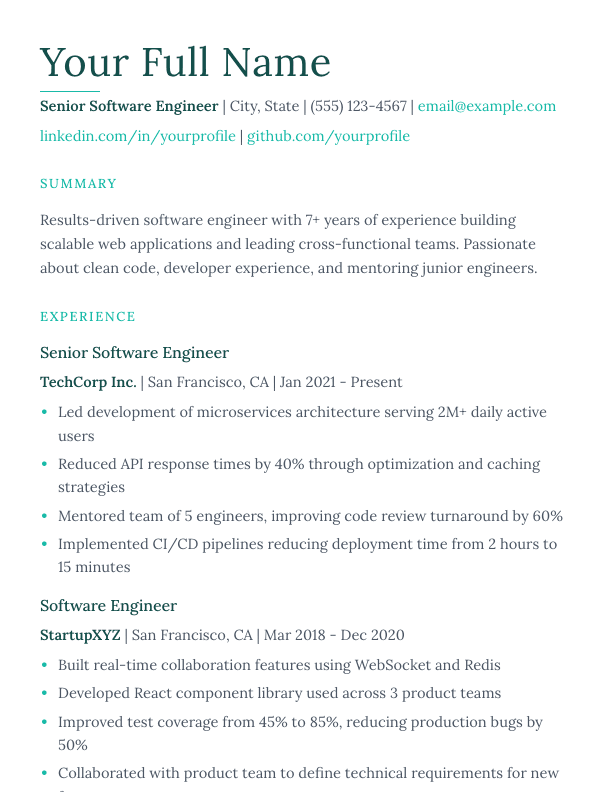
Aurora resume template

Aurora

Ethereal serif design with teal accents and a fine underline beneath the name

Cosmos resume template

Cosmos

Geometric modern with bold borders and architectural precision

Polaris resume template

Polaris

Clean sans-serif with emerald accent underlines and classic executive structure

Zenith resume template

Zenith

Light slab-serif typography with generous whitespace and underlined section headings
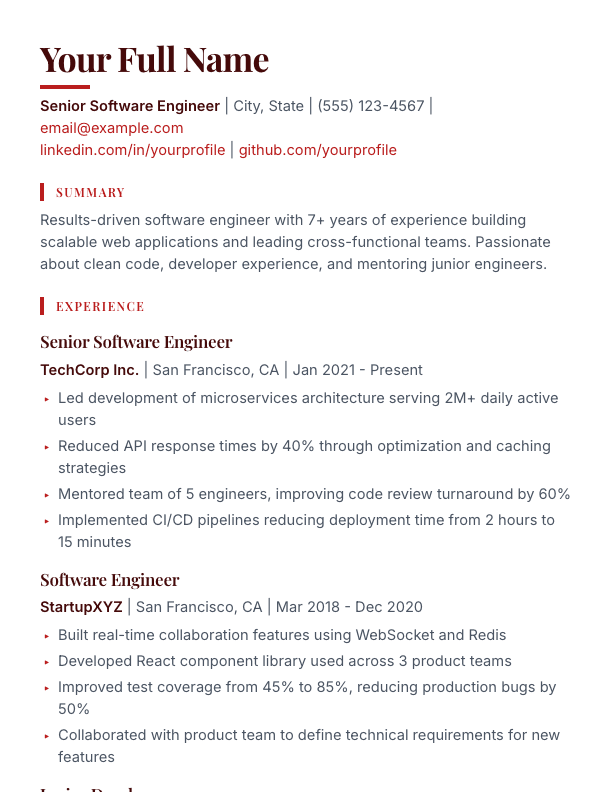
Stellar resume template

Stellar

Playfair display-serif headings with crimson accent bars over a clean sans body

Spica resume template

Spica

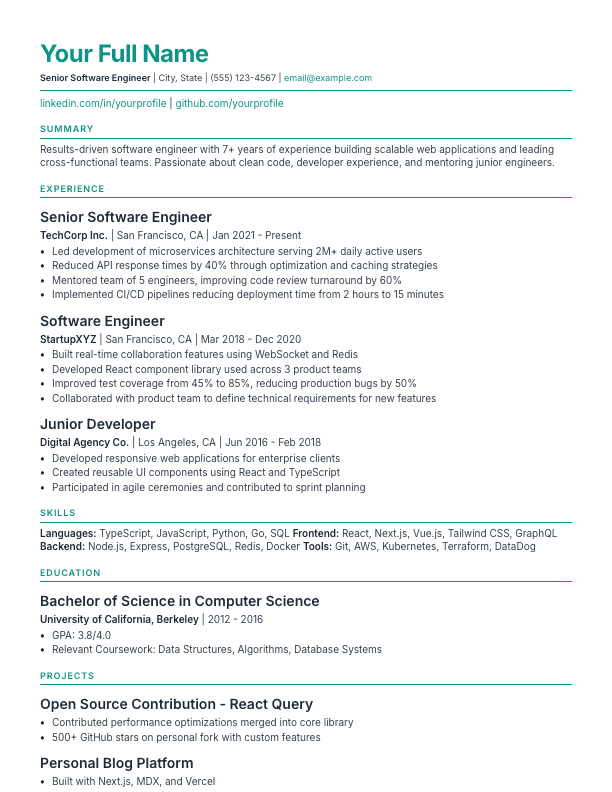
ATS-friendly design with pristine typography and teal accents

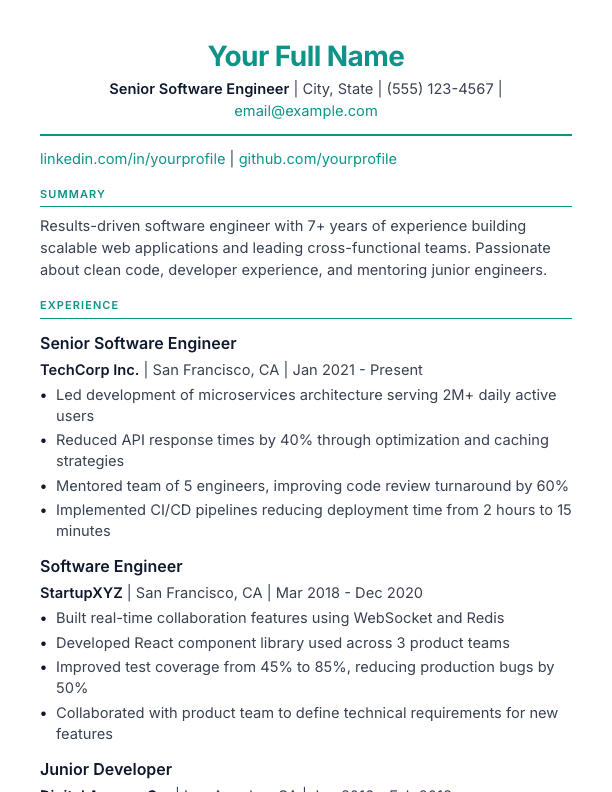
Libra resume template

Libra

Balanced layout with centered header and classic divider line

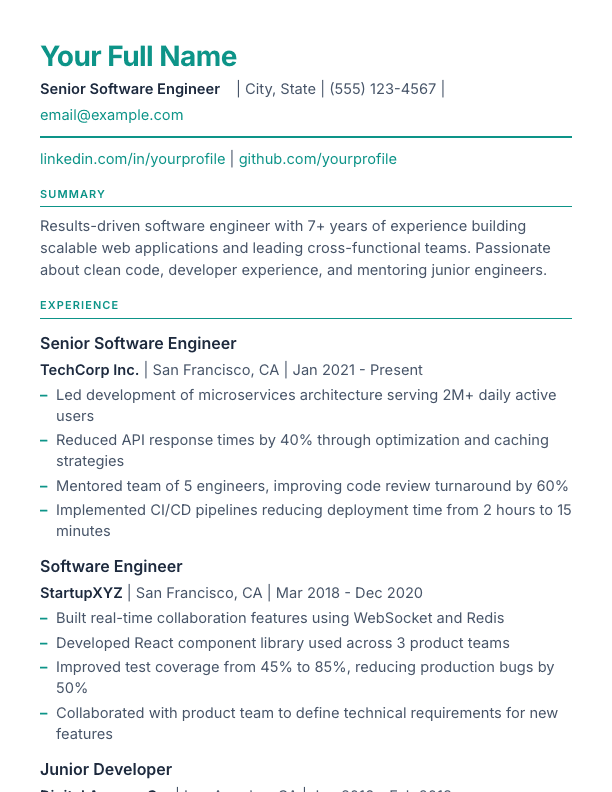
Ecliptic resume template

Ecliptic

Executive header with the name above a horizontal contact row and a teal divider
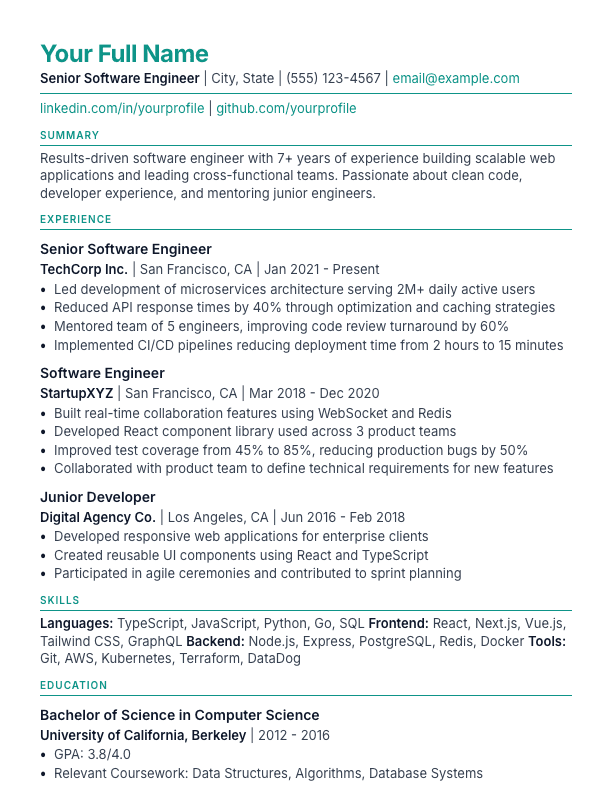
Perigee resume template

Perigee

Compact spacing for dense resumes with more content

Antares resume template

Antares

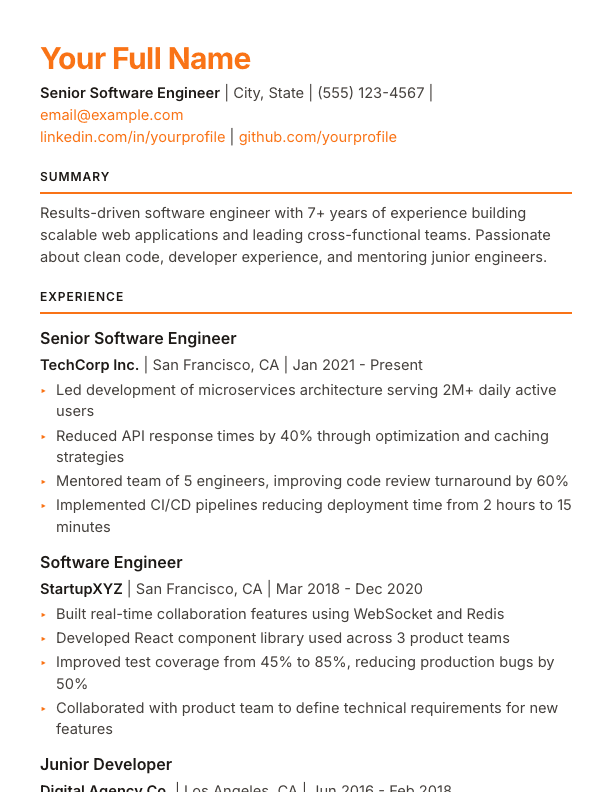
Modern design with warm coral accents — a coral-colored name and triangle bullets
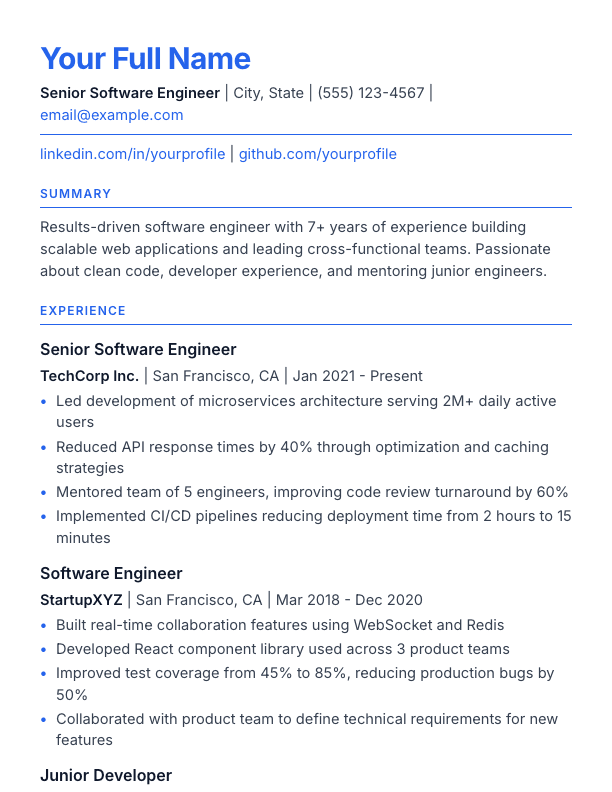
Deneb resume template

Deneb

Gold standard ATS-friendly design with blue accents and pristine structure

Hyades resume template

Hyades

Maximum content density with reduced spacing for fitting more on one page

Corvus resume template

Corvus

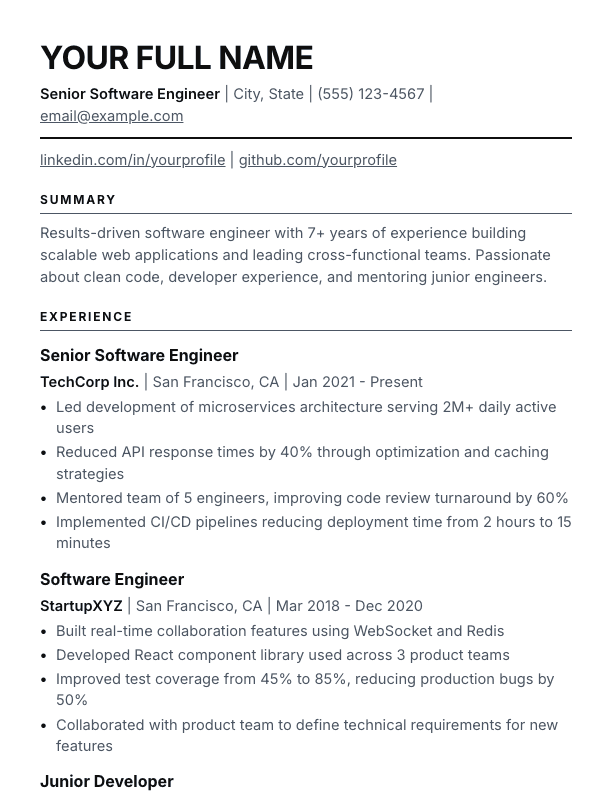
Pure black and gray design with typography-based hierarchy — ATS-friendly with zero color distractions
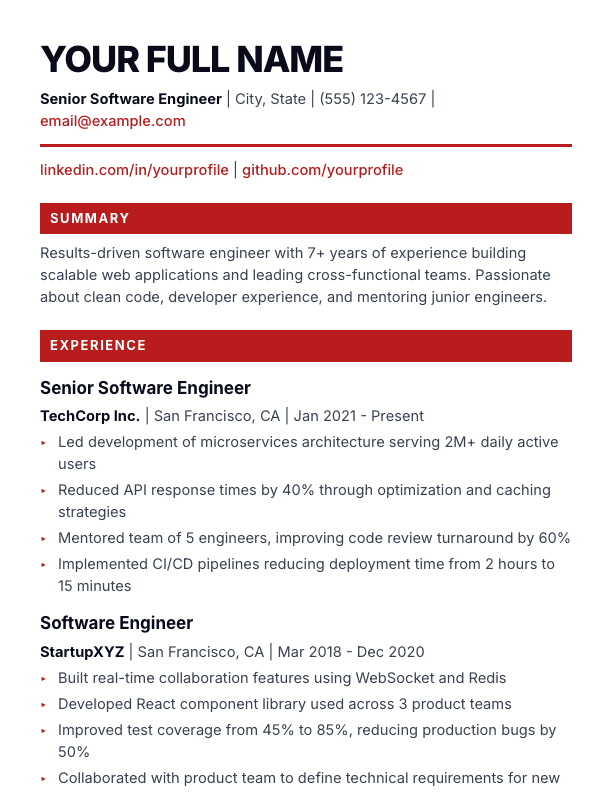
Solstice resume template

Solstice

Bold design with an oversized uppercase name and white-on-red filled section headings
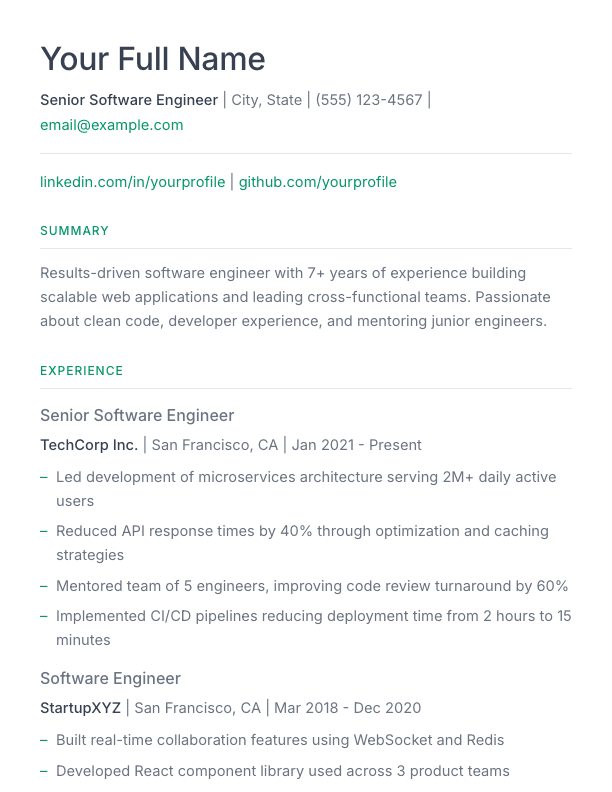
Nebula resume template

Nebula

Light and breathable design with generous whitespace and emerald green accents

Castor resume template

Castor

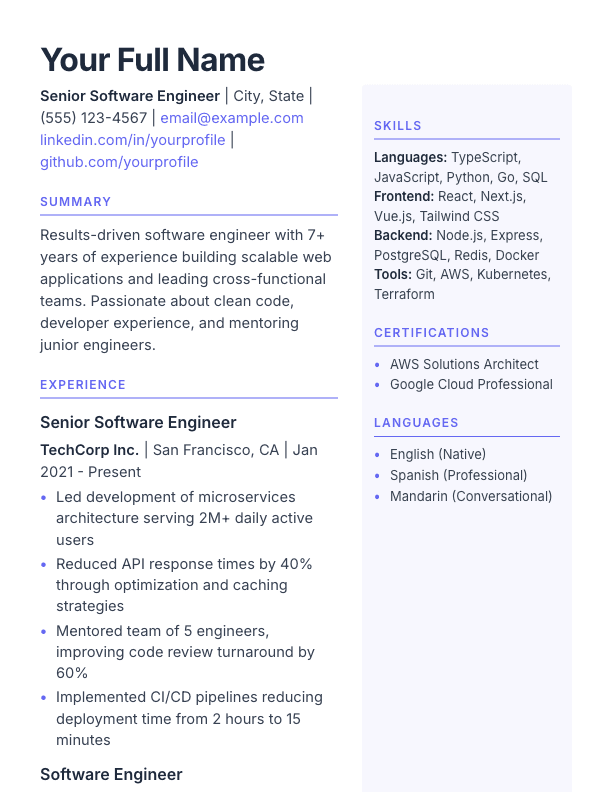
Skills and contact in a colored highlight block below your main content

Sextant resume template

Sextant

Traditional academic CV with serif typography and structured hierarchy

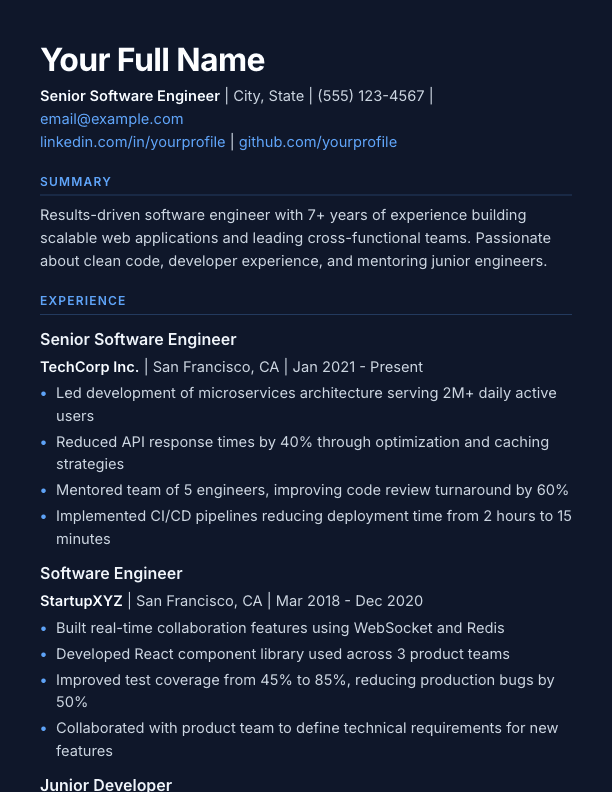
Umbra resume template

Umbra

Striking dark background with light text and vibrant blue accents

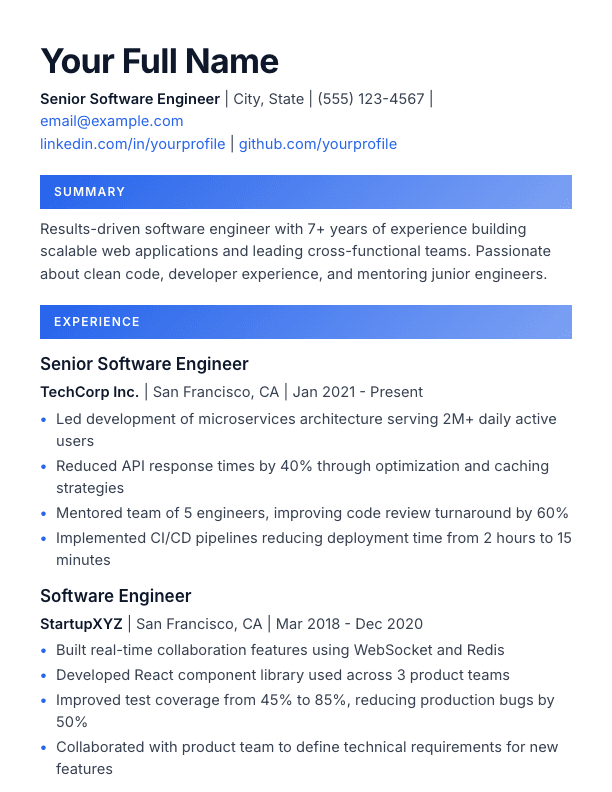
Spectra resume template

Spectra

Modern template with gradient accent bars on section headings

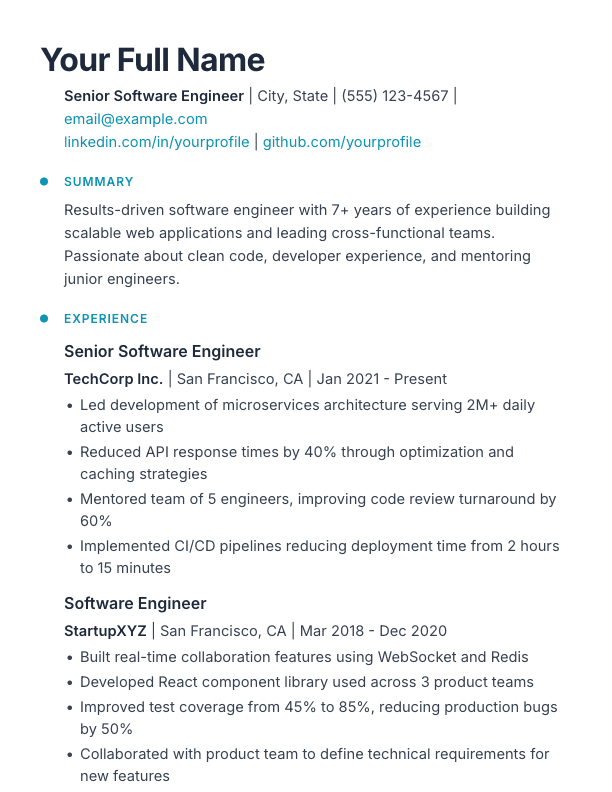
Transit resume template

Transit

Vertical timeline with dot markers and indented content sections

Helios resume template

Helios

Warm vintage aesthetic with cream background and decorative double borders

How to Use These Templates

1

Pick a template

Browse the gallery above and click any template to preview it in full detail.
2

Write in Markdown

Paste your content or use our Markdown guide to format your resume.

3

Export as PDF

Download an interview-ready PDF in one click — free. DOCX and HTML export with Pro.

Frequently Asked Questions

Are these resume templates really free?
Yes, all 32 templates are completely free to use. You can create, customize, and export your resume as a PDF without paying anything or creating an account. ResumeMD offers a Pro plan with additional features like AI assistance and unlimited resumes, but the core editor and all templates are free forever.
Are ResumeMD templates ATS-friendly?
Every template uses clean, parseable layouts without the complex graphics, tables, or columns that confuse ATS software, and every export is selectable text, never an image — so it parses cleanly in applicant tracking systems. The free analytics panel covers readability and keyword analysis in real time — the full ATS compatibility score is part of Pro.
Can I customize colors and fonts on these templates?
Absolutely. Each template supports custom primary and accent colors, font selection from 9 professional typefaces, and adjustable margins. You can personalize any template to match your style while keeping the professional structure intact.
What file formats can I export my resume in?
PDF export (most common for job applications) is free for everyone. DOCX (Microsoft Word), HTML, and plain text come with Pro. All exports maintain the template styling and ATS-friendly formatting.
Which template should I choose for my industry?
For corporate and finance roles, try Altair, Deneb, or Vega. For tech and engineering, Rigel, Pulsar, or Spica work well. Creative roles suit the Quasar, Aurora, or Spectra templates. If you are unsure, Altair and Rigel are safe, versatile choices that work across all industries.